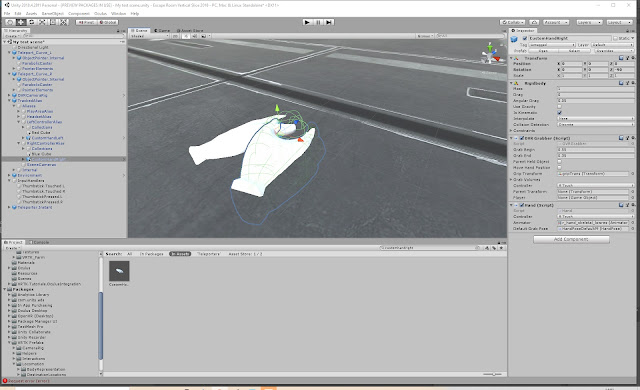
Unity tutorials - sound in VR
https://learn.unity.com/tutorial/unit-7-sound-in-vr?uv=2018.4&courseId=5d955b5dedbc2a319caab9a0#5da89cffedbc2a03c51594e5 Add Oculus Spatializer Plugin Binaural Synthesis - uses a head-related transfer function (HRTF), which accurately simulates how sound arrives at the ears, including the delay between them and appropriate frequency filtering Spatial audio is critical to VR as it reinforces the visuals, helps fill out parts of the world that lie outside the field of view Open the Escape Room vertical slice Edit>ProjectSettings>Audio>SpatializePlugin set to 'OculusSpatializer'. Set DSP Buffer Size to 'Best Latency'. Default speaker mode>Stereo Add a sound to the scene by creating an empty game object and adding an audio source to it Create three empty game objects Select object>add component>AudioSource>Duplicate Game object three times Rename first object 'TeleportSound'>Search for audio file (in this case Escape Room, Audio) drag te...